
Komos
教 Komos 一个简短的演示,即可获得确定性的、自我修复的工作流程——无需脆弱的脚本。安全凭证、本地时区调度、API 和 webhook 输出。
Komos AI: The Future of Automation Is Here – Say Goodbye to Fragile Scripts Forever
We've all been there. You find yourself mindlessly repeating the same browser-based tasks every day – logging into portals, downloading reports, processing invoices, updating CRM records. It's the kind of work that doesn't require deep thought but eats up hours of your valuable time. You've probably tried automation tools before, but they always seem to break when websites change their layout, or they require complex scripting that only a developer can maintain.
Enter Komos AI, a revolutionary automation platform that fundamentally changes how we think about workflow automation. Instead of writing fragile scripts or configuring complex integrations, you simply show Komos what you need done once – and it creates a reliable, self-healing automation that keeps working even when interfaces change. It's not just another automation tool; it's like having an AI engineer watching over your workflows 24/7.
What Makes Komos Different?
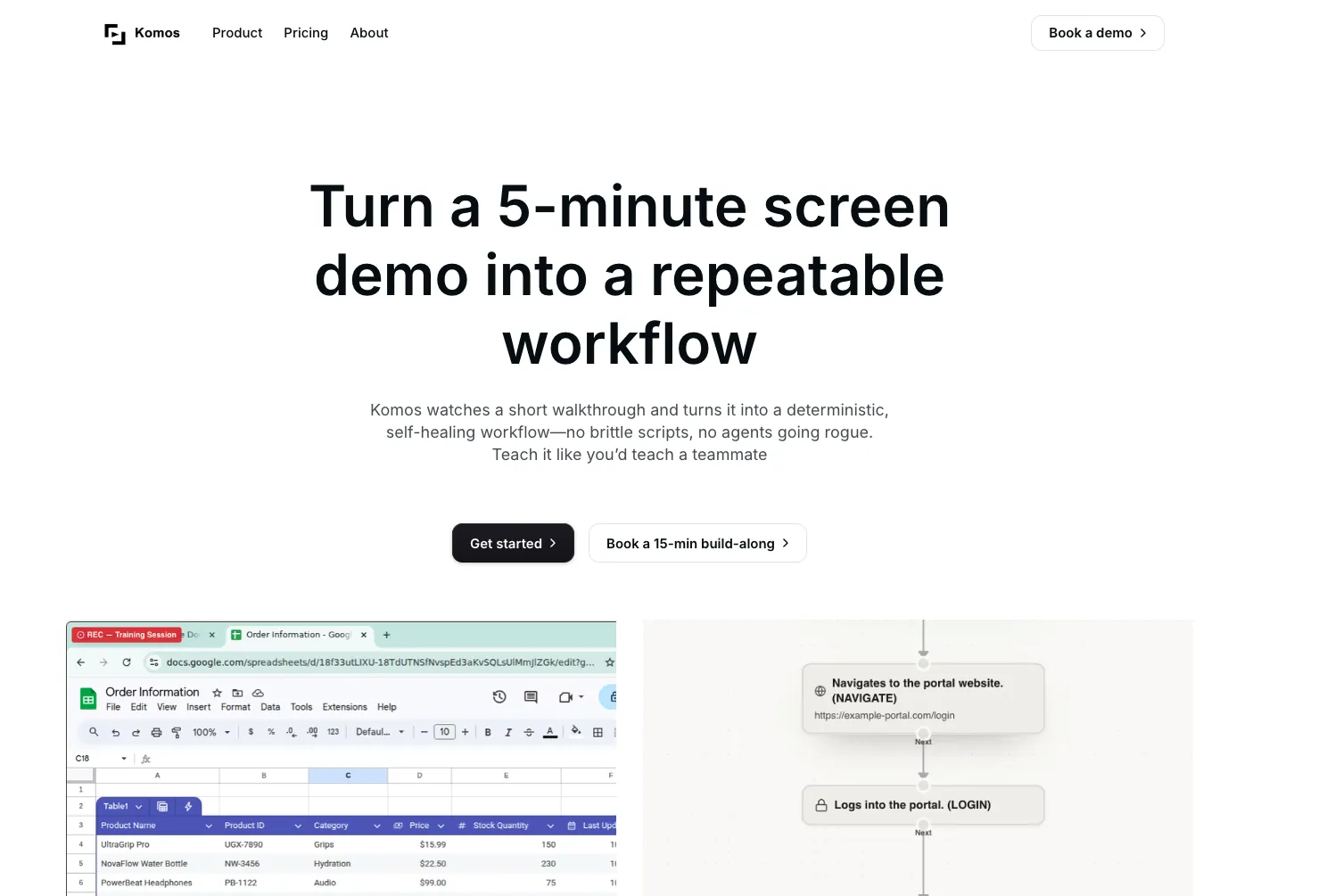
At the heart of Komos is Moss, an AI assistant that acts as your personal automation engineer. Unlike traditional automation platforms that require you to manually build workflows through drag-and-drop interfaces or write code, Komos learns by watching you work. You record yourself performing a task in your browser while narrating what you're doing, and the AI captures every action, understanding both the visual elements and the context behind your clicks and keystrokes.
This approach is genuinely transformative. I've seen automation tools that promise "no code" but still require you to understand complex programming concepts. Komos delivers on the no-code promise by truly making automation as simple as demonstrating what you want done. The AI builds a complete, editable workflow from your recording, and you can refine it using natural language conversations with Moss. When something breaks – which inevitably happens with automations – Moss diagnoses the issue and fixes it automatically. You don't even need to know there was a problem.
Key Features That Set Komos Apart
Komos comes packed with enterprise-grade features that make it suitable for serious business automation:
Smart Integration Routing: The platform boasts 100+ native integrations including Salesforce, HubSpot, Zendesk, Slack, Jira, Gmail, Google Sheets, Notion, Airtable, GitHub, Linear, Stripe, and many more. What's brilliant is that the AI automatically selects the right integration for each step of your workflow. When no API exists for a particular service, Komos seamlessly falls back to browser automation, ensuring no workflow is left behind.
Document Processing Capabilities: Komos can read, extract, and update documents as part of your automation. It handles PDFs, images, spreadsheets, and scanned documents with impressive accuracy. The AI automatically identifies tables, line items, totals, addresses, and other key fields, making it perfect for invoice processing, form filling, and data extraction tasks.
Enterprise-Grade Security: For businesses that care about security (which should be all of them), Komos delivers. Credentials are stored in encrypted vaults with KMS-backed encryption at rest and in transit. Secrets are scoped per-organization and per-workflow, and the platform supports MFA flows including TOTP, SMS, and email during production runs. Complete audit trails with step-by-step execution logs and screenshots make compliance reporting straightforward.
Visual Workflows with Full Control: Despite the AI-driven approach, Komos gives you complete visibility and control. Every workflow is presented as a clear, editable flowchart. You can branch, loop, add conditions, and implement control flow logic like If/Else statements. Version control and rollback capabilities mean you can ship changes safely. This isn't a black box – you always know exactly what your automations are doing.
Workflow as API: One of the most powerful features is the ability to expose any workflow as an API endpoint. This means you can trigger automations from your applications, webhooks, or schedulers, integrating seamlessly with your existing tech stack. Suddenly, your browser-based automations become part of your broader API ecosystem.
Real-World Use Cases Where Komos Shines
The versatility of Komos becomes clear when you look at the real workflows teams are running on the platform:
Legal teams are automating patent portal filing, navigating the complex USPTO interface without manual intervention. Insurance companies use it for report filing, automatically submitting forms across multiple carrier portals. Supply chain teams set up email-triggered downloads, extracting data from supplier websites as soon as notifications arrive. Financial services automate account opening processes across multiple banking platforms. IT and compliance departments run SaaS access reviews, automatically checking user permissions across dozens of applications.
But you don't need to be in a large enterprise to benefit. Small businesses can automate invoice processing – extracting data from PDF invoices received via email, entering them into accounting systems, and updating Google Sheets. Marketing teams can set up automated price monitoring, tracking competitor pricing and getting alerts when changes occur. Content creators can build daily news briefings that aggregate information from multiple sources and deliver it via email or Slack.
How Komos Compares to Traditional Automation Tools
This is where Komos really differentiates itself. Tools like Zapier and Make are fantastic for connecting APIs, but they fundamentally rely on those APIs existing and staying stable. When a website doesn't offer an API or changes its interface, these tools simply can't help. Komos, with its AI vision approach, can automate any website exactly as a human would use it, including legacy systems from 2005 that never had APIs in the first place.
Compared to traditional RPA (Robotic Process Automation) tools, Komos is dramatically more maintainable. RPA automations are notoriously fragile – they break when interface elements move or change, requiring constant manual maintenance. Komos's self-healing capabilities mean it adapts to interface changes automatically, dramatically reducing the maintenance burden.
The platform also offers advantages over tools like n8n, which require building complex node-based workflows. While powerful, these tools demand significant technical knowledge and configuration time. Komos's record-and-learn approach means you can create sophisticated automations in minutes rather than hours, without any technical background.
Getting Started with Komos
The platform offers a 7-day free trial, and the setup time averages just one day. Pricing is straightforward: the Starter plan at $30/month includes 3 automations and 3,000 AI actions per month, while the Pro plan at $100/month gives you 15 automations and 8,000 actions. Both plans include access to Moss, all 100+ integrations, and all trigger types.
The impressive statistics speak for themselves: over 1,000 automations have been created on the platform, saving more than 10,000 hours with a 98% success rate. These aren't just marketing numbers – they represent real businesses solving real problems.
Is Komos Right for You?
Komos is ideal if you find yourself repeatedly doing browser-based tasks that could be automated if only you had the time and technical skills. It's perfect for operations teams, business process automation leaders, IT departments, and really anyone who wants to reclaim time lost to repetitive online work.
The platform is particularly valuable for organizations dealing with legacy systems or portals that lack modern APIs. If you've ever looked at an automation tool and thought "this would work great if only it could handle that old vendor portal," Komos is exactly what you've been waiting for.
The Bottom Line
Komos represents the next evolution of automation – one that truly delivers on the promise of AI making our lives easier. By combining intuitive recording, intelligent AI assistance, and enterprise-grade features, it bridges the gap between what automation should be and what it has historically been. The self-healing nature of the workflows alone could justify the investment, saving countless hours of maintenance and debugging.
If you're ready to stop wasting time on repetitive browser tasks and start focusing on work that actually matters, Komos is absolutely worth trying. The 7-day free trial gives you plenty of time to experience the magic of teaching an AI to do your work – and once you do, you'll wonder how you ever lived without it.